
Introduction: Why AI Overviews Matter for Small Businesses
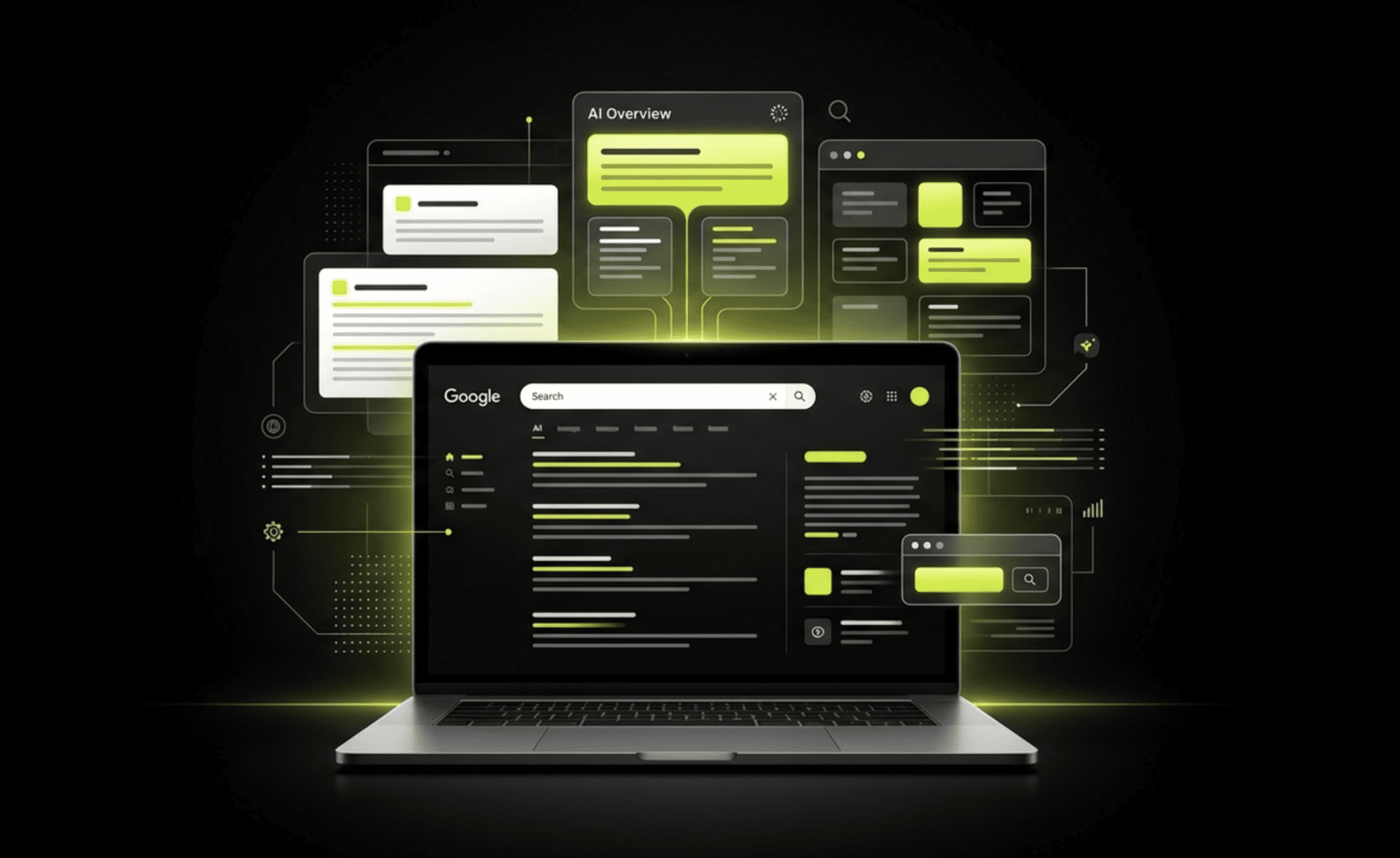
You may have noticed a new box appearing above the traditional blue links when you search on Google. These AI Overviews (sometimes called AI snapshots or generative results) summarise answers to complex queries and list supporting sources. According to recent data, AI Overviews now appear on roughly 16 % of searches, and they disproportionately impact informational queries. This matters because small‑business owners rely on search visibility to drive leads. Research shows that when an AI Overview appears, the click‑through rate on organic results drops sharply—but pages cited in the overview enjoy higher CTRs. To stay visible, you need to understand how AI Overviews select pages and what you can do to earn a citation.
The good news is that Google has been clear: there is no special “AI hack” to get into AI Overviews. The same principles that make your site rank well in classic search also apply to AI experiences. The difference is how the content is structured and surfaced. This guide translates official guidance from Google, Microsoft and other platforms into a practical checklist for small‑business websites. You’ll learn what AI Overviews are, how they differ from AI Mode and other engines, and exactly how to audit and improve your site for AI visibility—without jargon or hype. A strong small business website visibility strategy starts with the right website foundation.
What Are AI Overviews and Why Do They Exist?
AI Overviews are generative summaries that appear at the top of some Google searches. They aim to “get to the gist of a complicated topic or question more quickly” by synthesising information and offering links for deeper exploration. Google’s documentation notes that AI Overviews and AI Mode surface relevant links in a way that encourages a wider diversity of websites to appear. Both features may issue multiple related searches (a query fan‑out) to assemble a complete answer. AI Mode is an interactive chat experience for follow‑up questions, while AI Overviews appear within traditional search results and trigger only when Google deems them additive.
There are two important implications for small businesses:
- Eligibility is tied to standard SEO: Google states that there are no additional technical requirements beyond making your pages indexable and eligible for snippets. You don’t need special schema, AI tags or hidden files.
- The format favours discrete answers: Research by search analysts shows that AI systems parse content into smaller pieces rather than reading a page from top to bottom. They look for clearly labelled sections, Q&A pairs and bullet lists. The first 100 words of your page may determine whether you’re cited.
AI SEO vs. Traditional SEO vs. Other AI Engines
Traditional SEO focuses on ranking pages in the “blue links” through relevance, authority and technical optimisation. AI SEO (sometimes called GEO or AEO) still relies on those fundamentals but emphasises retrieval and structured answers. Google’s AI features, Microsoft’s Copilot and other engines like ChatGPT use similar principles but differ in implementation:
- Google AI Overviews & AI Mode: No extra markup is required; pages must be indexable, and the same SEO best practices apply. The system uses query fan‑out and selects passages that directly answer the question.
- Microsoft Copilot & Bing AI: Microsoft notes that crawlability, metadata, internal linking and backlinks remain essential, but content must be modular. Titles, descriptions and headings should clearly reflect the purpose; Q&A formats and tables help AI parse the page.
- ChatGPT Search (OpenAI): To appear in ChatGPT’s search answers, allow the OAI‑SearchBot in your robots.txt. You can disallow GPTBot to prevent training but still be included in search.
- Perplexity AI: Perplexity’s PerplexityBot follows robots.txt; allowing its user agent makes your content discoverable, while a separate Perplexity‑User agent is triggered by user actions.
Rather than obsessing over algorithm details, the takeaway is that clarity, accessibility and trust signals matter everywhere. If your site is also struggling to generate leads, read why most business websites don’t convert.
2026 Checklist: How Small‑Business Websites Can Earn AI Overview Citations
Below is a step‑by‑step checklist built on official guidance. Work through each section as part of your website audit.
1. Make Your Site Crawlable and Indexable
- Check robots.txt and hosting settings: Ensure Googlebot, Bingbot, OAI‑SearchBot and PerplexityBot are allowed. Google emphasises that pages must be indexable and eligible for snippets to appear in AI features. In your robots.txt, explicitly allow these user agents. If you don’t want your content used for AI training, you can disallow GPTBot while still allowing OAI‑SearchBot.
- Resolve HTTP errors: Make sure pages return a 200 status and aren’t blocked by firewalls or CDN rules. Crawl your site with Screaming Frog or Google Search Console to find 4xx/5xx errors.
- Submit and maintain sitemaps: An up‑to‑date XML sitemap helps bots discover new content quickly. Include images and videos where relevant.
2. Structure Content for AI Retrieval
- Answer early: Place the direct answer to the primary query in the opening paragraph. Search Engine Land notes that burying the answer causes retrieval systems to skip your page.
- Use clear headings: Treat each H2 or H3 as a chapter that answers a specific question. AI systems parse content into modular pieces and rely on headings to separate ideas.
- Adopt Q&A formats: Include FAQ or Q&A sections with concise questions and answers. Microsoft’s guidance highlights that direct questions with clear answers can be lifted into AI responses.
- Leverage bullet lists and tables: Lists and tables break complex details into reusable segments. Use them for checklists, pros/cons or comparisons.
- Keep paragraphs short: Avoid walls of text. Short, self‑contained paragraphs make it easier for AI to extract answer units.
3. Provide Helpful, Unique Content
- Focus on people‑first value: Google stresses that AI experiences favour unique, satisfying content. Avoid generic filler and provide specific, actionable insights relevant to U.S. small‑business owners.
- Demonstrate expertise: Clearly state who wrote the content and why they’re qualified. Search Engine Land warns that pages without visible E‑E‑A‑T signals (experience, expertise, authoritativeness, trustworthiness) may be skipped. Include an author bio with credentials and link to LinkedIn or industry associations.
- Use real examples: When discussing strategies, reference actual scenarios (e.g., a small dental practice optimizing its appointment page) rather than hypothetical fluff.
- Avoid hiding information: Don’t place key details in expandable tabs, PDFs or images. Microsoft warns that hidden or image‑only content can be missed by AI systems. Provide alt text for images and ensure any PDF content is duplicated in HTML.
4. Enhance Trust and Business Signals
- Claim and optimise your Google Business Profile: Google’s guidance encourages keeping Business Profile information up to date. Ensure your profile reflects correct hours, services and location; encourage reviews and respond to them.
- Use local schema and NAP consistency: Implement structured data (JSON‑LD) for LocalBusiness, ensuring name, address and phone number are consistent across your site and directories. Structured data must match visible text.
- Display testimonials and case studies: Include real customer testimonials, especially those mentioning the benefits of your services. Where possible, link to third‑party review platforms to add credibility.
- Highlight certifications and memberships: If you’re part of a professional organisation (e.g., local chamber of commerce), mention it. This supports your E‑E‑A‑T.
5. Optimise Page Experience and Performance
- Improve page speed: Slow pages frustrate users and may be devalued by search systems. Use tools like PageSpeed Insights to identify issues and consider caching, image optimisation and CDN usage.
- Ensure mobile‑first design: Most searches happen on mobile. Use responsive design and test across devices. Google emphasises good page experience across all devices.
- Make CTAs clear: Each page should guide visitors toward a logical next step—contacting you, booking a consultation or downloading a checklist. Place CTAs after you’ve delivered value, not before.
6. Strengthen Internal Linking and Site Architecture
- Link related articles: Internal links help AI systems discover and contextualise content. Link to your posts on website costs, conversion optimisation and LLM SEO where relevant.
- Use descriptive anchor text: Anchors should describe the destination content (“website conversion checklist” rather than “click here”).
- Maintain a logical hierarchy: Organise categories (e.g., “AI & SEO,” “Web Design,” “Local Marketing”) so each new post fits into a cluster. This helps both users and crawlers.
7. Add and Validate Structured Data
- Use schema types that reflect your business: Article, FAQPage and LocalBusiness schemas can help machines understand your content. Google notes that structured data should match visible content and no special AI schema is required.
- Include FAQs in the visible page: Only add FAQPage schema if the FAQs are displayed to readers. This improves eligibility for AI citation and rich results.
- Validate with Google’s Rich Results Test: Check your structured data for errors before publishing.
8. Measure and Adjust
- Use Search Console and Bing Webmaster Tools: Google suggests that AI traffic is included in the Web search type in Search Console. Monitor impressions, clicks and average position. Bing has introduced an AI Performance report that shows when your site is cited; sign up to track Copilot visibility.
- Track conversions, not just clicks: Google notes that clicks from AI Overviews are often higher quality, with visitors spending more time on the site. Measure leads, calls and sign‑ups to evaluate true impact.
- Review robots.txt regularly: If you adjust crawler permissions, allow time for changes to propagate (OpenAI notes it can take ~24 hours for their bots to adjust to robots.txt updates). Use analytics tools to confirm that OAI‑SearchBot and PerplexityBot are visiting.
If you are planning improvements and budgeting for them, see our website cost in 2026 breakdown.
Common Mistakes to Avoid
- Writing generic AI‑generated content: Publishing unedited AI content without adding unique perspectives or real‑world examples can diminish your E‑E‑A‑T signals and fail to answer the query effectively.
- Long, fluff‑filled introductions: If your post spends several paragraphs “warming up” instead of answering the question, AI systems may skip it. Lead with the answer.
- Ignoring Q&A and lists: Large blocks of prose are harder for AI systems to parse. Use headings, questions and lists to structure the content.
- Poor internal linking: Failing to link related posts reduces crawlability and undermines your site’s topical authority.
- Blocking important bots: Disallowing OAI‑SearchBot or PerplexityBot inadvertently can remove you from AI results. Review your robots.txt carefully.
- Misusing structured data: Adding schema that doesn’t match visible content can violate Google’s guidelines. Only mark up information actually present on the page.
For a broader citation-focused view beyond Google, see our LLM SEO guide.
How to Measure Success
- Impressions and Clicks: Use Google Search Console’s Performance report for the Web search type to see how your pages perform in AI features. Monitor changes in impressions and clicks for key queries.
- Citation Tracking: In Bing Webmaster Tools, enable the AI Performance report to track Copilot citations. Tools like xSeek or BrightEdge’s AI Visibility can help monitor citations across engines.
- User Engagement: Evaluate time on page, bounce rates and conversion events (e.g., form submissions, calls). Google notes that AI‑referred visitors tend to be more engaged.
- Lead Quality: Qualitatively assess whether leads from AI‑driven searches convert into customers. Adjust content topics and CTAs accordingly.
Conclusion: Build for Humans, Structure for AI
AI Overviews are not replacing traditional SEO; they are an evolution in how search results are presented. The path to visibility is surprisingly consistent: create valuable content, structure it clearly, and ensure your site is technically sound. For small‑business owners, this means taking a hard look at your website. Are your services clearly stated? Do your pages answer real customer questions up front? Is your site crawlable and fast? Implement the checklist above, and you’ll not only improve your chances of being cited in AI Overviews but also build a better experience for your human visitors. That dual focus is exactly what Be My Tech believes in—websites that aren’t just pretty, but that work.
Ready to turn your website into a lead‑generating AI‑friendly system? Book a free visibility audit with our team and discover the specific changes your site needs to rank in AI Overviews—and convert those visitors into customers.
Frequently Asked Questions (FAQs)
What are AI Overviews and AI Mode in Google search?
Answer: AI Overviews are generative summaries that appear at the top of some Google searches. They synthesise information from multiple sources and provide links for further reading. AI Mode is an interactive chat experience that allows follow‑up questions. Both features use the same underlying search index and ranking signals.
Do I need special schema or tags to appear in AI Overviews?
Answer: No. Google states that there are no additional technical requirements for AI features beyond standard SEO. Pages must be indexable and eligible to show a snippet. You don’t need to add special AI markup; instead, focus on crawlability, structured data that matches visible content and clear headings.
How can I ensure ChatGPT or Perplexity cites my website?
Answer: Allow their crawlers in your robots.txt. OpenAI’s documentation recommends permitting the OAI‑SearchBot to crawl your site while optionally disallowing GPTBot for training. Research into Perplexity notes that PerplexityBotfollows robots.txt directives and should be allowed for discovery. Also, structure your content with clear questions and answers to make it easy for AI systems to extract.
Will AI Overviews replace traditional SEO?
Answer: No. AI Overviews are an addition to, not a replacement for, classic search results. Traditional ranking factors like relevance, authority and user experience still apply. However, AI features change how clicks are distributed; pages cited in overviews often receive higher‑quality visits. Optimising for both traditional and AI search is therefore essential.
How do I track AI Overview citations and their impact?
Answer: Use Google Search Console’s Performance report under the Web search type to monitor impressions and clicks from AI features. Bing Webmaster Tools offers an AI Performance report that shows Copilot citations. Additionally, measure engagement (time on page, conversions) and consider third‑party tools that track AI crawler visits and citations.
External References
- Google Search Central, AI features and your website – explains how AI Overviews and AI Mode work and notes that no extra optimisation is needed beyond standard SEO.
- Google Search Central Blog, Top ways to ensure your content performs well in Google’s AI experiences – advises focusing on unique, people‑first content, good page experience, and structured data.
- Microsoft Advertising, Optimizing Your Content for Inclusion in AI Search Answers – emphasises that traditional SEO fundamentals still matter, content should be modular, and Q&A formats and lists aid AI parsing.
- OpenAI, Overview of OpenAI Crawlers – explains the roles of OAI‑SearchBot and GPTBot and how publishers can allow or disallow them independently.
- 51Degrees research, Perplexity’s robots and crawlers – notes that PerplexityBot follows robots.txt and that a separate Perplexity‑User agent is user‑triggered.
- Search Engine Land, Why your content doesn’t appear in AI Overviews (even if it ranks in the top 10) – highlights the ranking‑citation gap, reasons pages are skipped, and provides data on CTR changes